Create Passkey Over Open Session
The simplest and most unrestricted user signup flow, where username and passkey credential is created immediately upon successful sdk called.
To ensure open session, make sure you application is setup with Registration Requires Authentication Token is disabled in your application settings.

When this setting is disabled, users can be created and passkeys can be generated without requiring any authorization tokens. This allows you to simplify the registration in public-facing applications that don’t need strict authentication during the sign-up process.
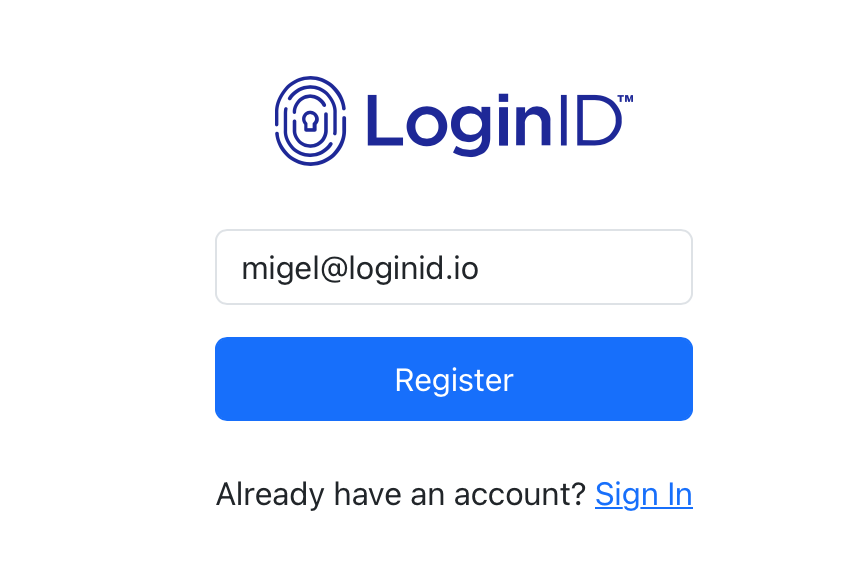
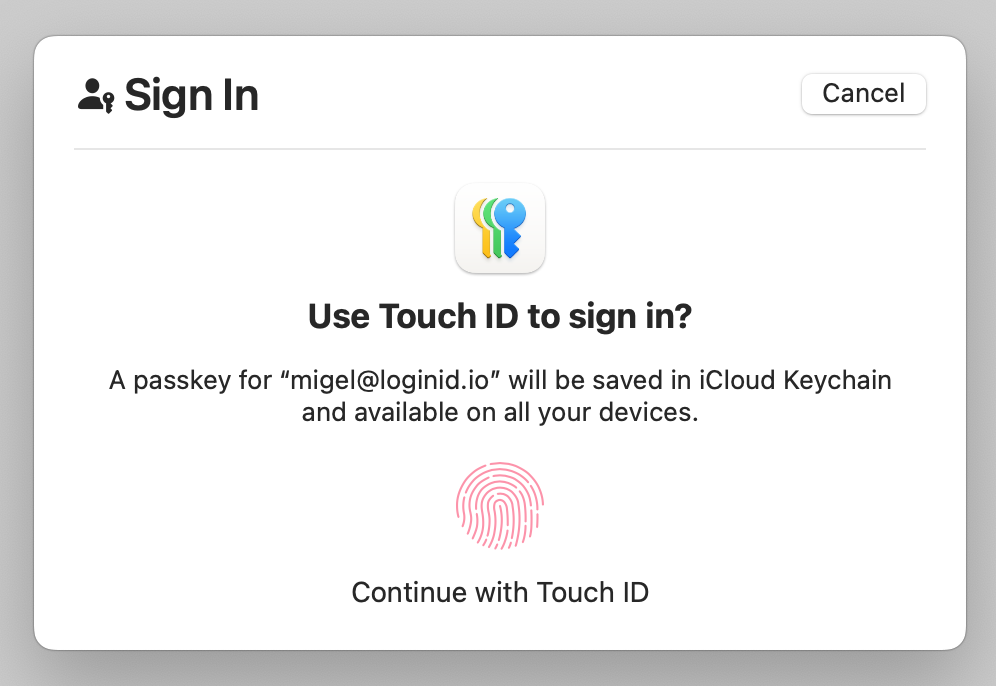
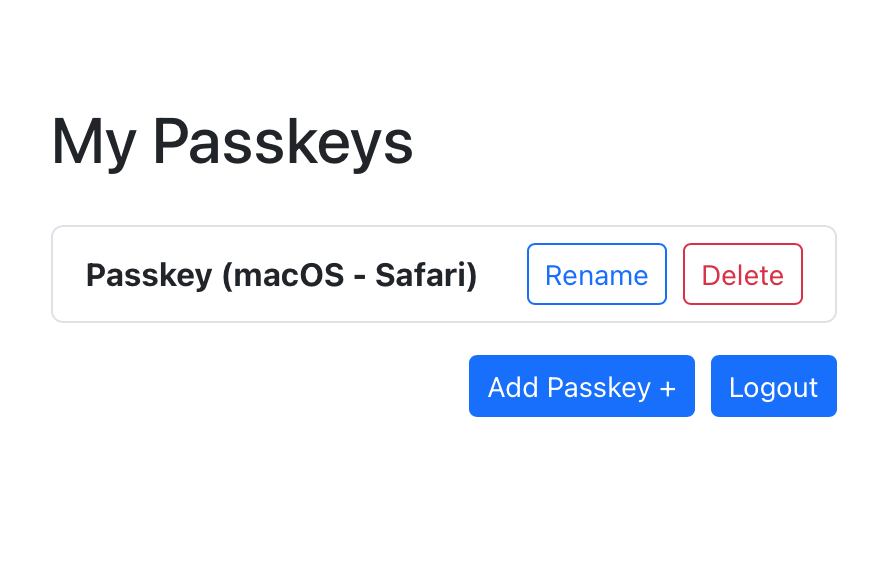
Here is how it might look like:
Prerequisites
- Create an application to obtain a base URL. The SDK uses this base URL to interact with the LoginID authentication service.
Setup SDK
- Javascript
- Kotlin
- Swift
npm i @loginid/websdk3
Import and initialize an instance:
import { LoginIDWebSDK } from "@loginid/websdk3";

const lid = new LoginIDWebSDK({
  baseUrl: process.env.LOGINID_BASE_URL,
});
First, ensure you have the Maven Central repository in your project's settings.gradle.kts file:
repositories {
  google()
  mavenCentral()
}
Next, add the SDK and required dependencies to your app module's build.gradle.kts:
dependencies {
// LoginID SDK
implementation("io.loginid:auth:1.1.1")
}
Import the class within your application:
import io.loginid.auth

class MainActivity : AppCompatActivity() {
    val lid = LoginIDAuth(this, "<LOGINID_BASE_URL>")

    override fun onCreate() {
        super.onCreate()

        // Additional setup...
    }
}
Add the SDK dependency using Swift Package Manager in Xcode:
- In Xcode, open your project.
- Go to File → Add Package Dependencies….
- In the search bar, paste:
https://github.com/loginid1/loginid-ios
- Select the target(s) where you want to add the SDK and click Add Package.
Import the class within your view models:
import LoginIDAuth

@main
struct MyApp: App {
    private let lid: LoginIDAuth

    init() {
        LoginIDAuth(baseUrl: "<LOGINID_BASE_URL>")

        // Other setup code...
    }
}
Creating a Passkey For a New User
Call the createPasskey method by passing in the email or username.
Ensure usernameType matches the username being registered (email, phone, or other). A mismatch will result in a username type mismatch error.
See the Troubleshooting section for supported formats and other common integration issues.
- Javascript
- Kotlin
- Swift
import { LoginIDWebSDK } from "@loginid/websdk3";

// Obtain credentials from LoginID Tenant
const BASE_URL = process.env.BASE_URL;
const APP_ID = process.env.APP_ID;

// Initialize the SDK with your configuration
const config = {
  baseUrl: BASE_URL,
  appId: APP_ID,
};

// Use the SDK components for signup and signin
const lid = new LoginIDWebSDK(config);

// Button click handler
async function handleSignupButtonClick() {
  const username = "billy@loginid.io";

  try {
    // Sign up with a passkey
    const authResult = await lid.createPasskey(username, "", { usernameType: "email" });

    setAuthUser(user);
  } catch (error) {
    // Handle errors
    console.error("Error during signup:", error);
  }
}

// Attach the click handler to a button
const signupButton = document.getElementById("signupButton");
signinButton.addEventListener("click", handleSigninButtonClick);
import androidx.lifecycle.lifecycleScope
import io.loginid.auth.LoginIDAuth
import io.loginid.auth.models.CreatePasskeyOptions
import io.loginid.core.enums.UsernameType
import io.loginid.core.errors.LoginIDError
import kotlinx.coroutines.launch

class MainActivity : AppCompatActivity() {
    private val lid = LoginIDAuth(this, "<BASE_URL>")

    override fun onCreate(savedInstanceState: Bundle?) {
        super.onCreate(savedInstanceState)
        setContentView(R.layout.activity_main)

        val registerButton = findViewById<Button>(R.id.registerBtn)

        registerButton.setOnClickListener {
            registerUser("billy@loginid.io")
        }
    }

    private fun registerUser(username: String) {
        lifecycleScope.launch {
            try {
                val options = CreatePasskeyOptions(
                    usernameType = UsernameType.EMAIL
                )

                lid.createPasskey(this@MainActivity, username, options)
            } catch (e: Exception) {
                if (e is LoginIDError) {
                    // Handle LoginIDError specifically
                } else {
                    // Handle other exceptions
                }
            }
        }
    }

}
import SwiftUI
import LoginIDAuth

@main
struct ExampleApp: App {
    @State private var errorMessage: String? = nil
    @State private var username: String = "user@example.com"
    private let lid = LoginIDAuth(baseUrl: "<BASE_URL>")

    var body: some Scene {
        WindowGroup {
            VStack {
                Button("Register with Passkey") {
                    Task {
                        await registerUser()
                    }
                }
                .padding()
            }
        }
    }

    private func registerUser() async {
        do {
            let options = CreatePasskeyOptions(usernameType: "email")

            _ = try await lid.createPasskey(
                username: username,
                options: options
            )
        } catch let error as LoginIDError {
            errorMessage = error.message
        } catch {
            errorMessage = error.localizedDescription
        }
    }
}